Try img
Logo
BETA info

Check if image is AI-generated

Add icon

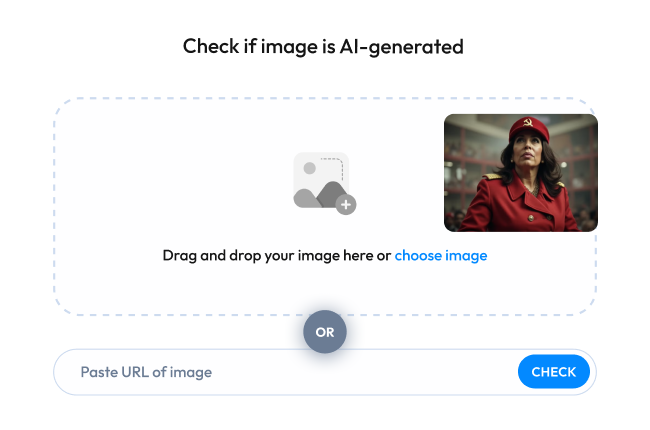
Drag and drop your image here or

Using screenshots may decrease detection quality

Max image size 8MB, 10000x10000px

Uploading...

Processing...

icon
Unexpected error
icon
Warning message

Guest credits used

You’ve reached the limit for guest usage. Create a free account to continue.

  • 10 free credits on sign-up (renews monthly)
  • Detailed report with confidence score
  • Option to upgrade to get API access
OR
Result arrow Emoji 1
Result arrow Emoji 2
Result arrow Emoji 3
Result arrow Emoji 4
Result arrow Emoji 5
Take Survey
Blur for main box

AI Image Detector: Is This AI?

WasItAI is an AI image detector that analyzes any photo or image and tells you in seconds whether it was created by an AI generator or taken by a real human. Try WasItAI today and see the difference!

/35mil

The amount of ai-generated images created per day

/15bil

And counting: the number of AI-generated photos online.

See Through the Fakes.
Know What's Real.

Instant AI Detection at Your Fingertips Don't let AI-generated images deceive you. WasItAI provides quick reliable results to help you make informed decisions about the content you encounter online.
step1

Step 1

Upload Your Image. Drag and drop your photo or enter the image URL.

step2

Step 2

Let WasItAI Work its Magic. Our AI platform analyzes the image.

step3

Step 3

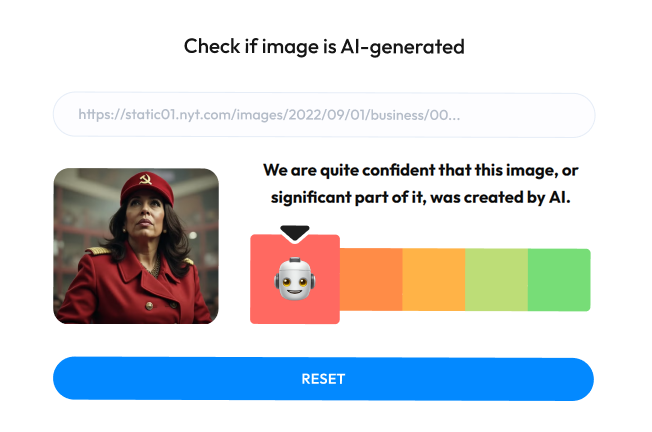
Get Your Results. Discover if AI is used to generate this image.

Blur background
Blur background

Don't Be Fooled by Fakes: How AI-Generated Images Can Harm You

AI-generated images are becoming increasingly sophisticated, but they're also being used for malicious purposes. Here's how:

Fake News and Propaganda

AI can be used to create realistic images of people saying or doing things they never did. This can be used to spread misinformation, sow discord, and manipulate public opinion.

Feature Photo 1

Art Theft and Copyright Infringement

AI can be used to create images that are derivative of copyrighted works. This can hurt artists' livelihoods and make it difficult to protect their intellectual property.

Feature Photo 2

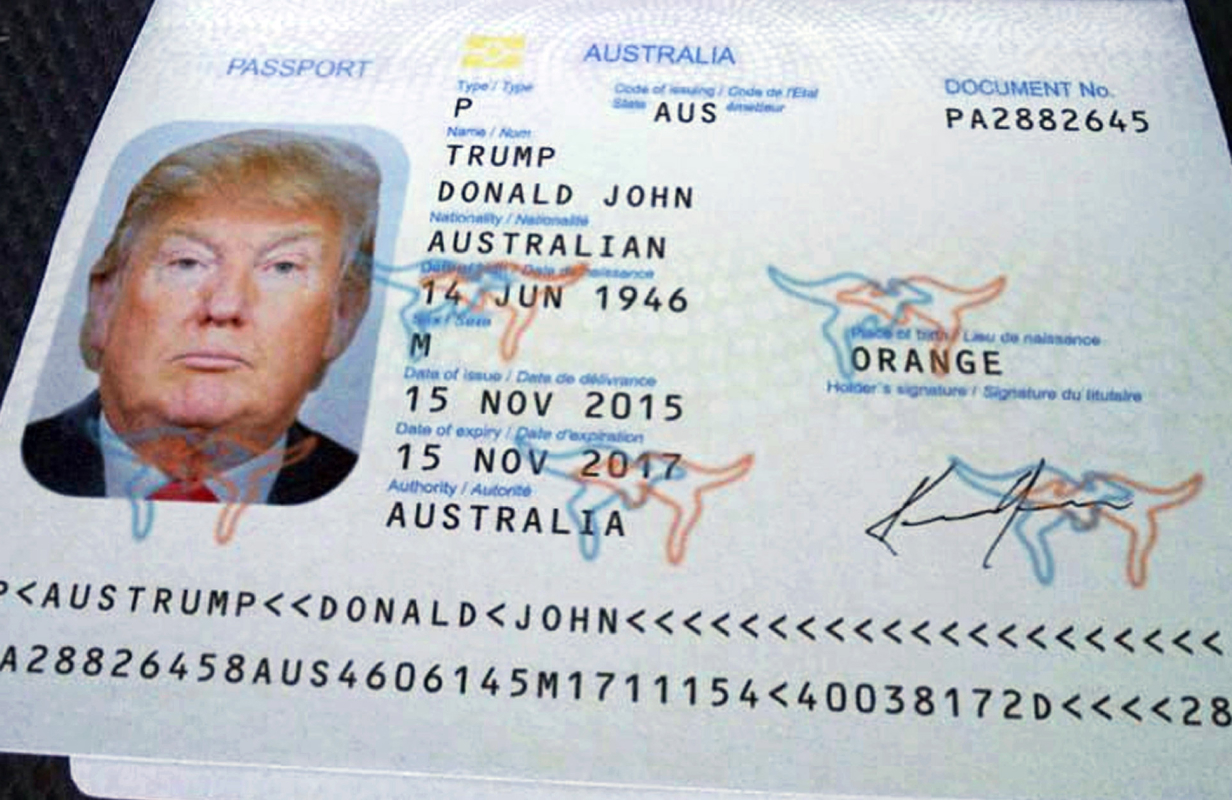
ID Fraud

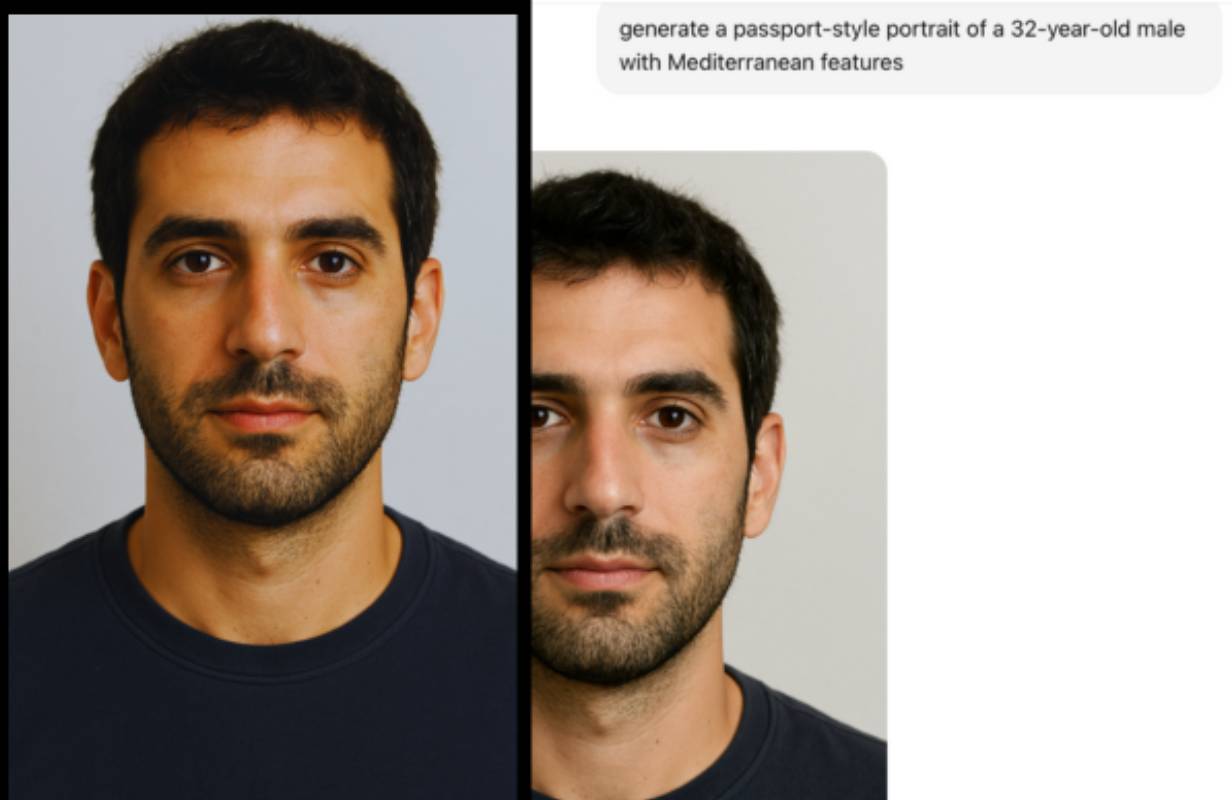
AI-generated images can be used to create fake identification documents. This can be used to commit identity theft, bypass KYC checks on crypto platforms, and for other crimes.

Feature Photo 3

AI Travel Scams: Fake Photos Making Fraud Believable

AI can be used to create entirely fake images of hotels, vacation rentals, and even entire destinations. These visuals make fraudulent listings appear legitimate, tricking travelers into handing over money for trips that don’t exist.

Feature Photo 4

E-Commerce and Marketplace Scams

AI-generated product photos make fraudulent listings look professional and trustworthy. Sellers use fake images to advertise goods that are low-quality, counterfeit, or don't exist at all — leaving buyers with empty wallets and no recourse.

E-Commerce and Marketplace Scams

Dating Apps and Social Media Catfishing

Scammers build convincing fake profiles on dating apps and social networks using AI-generated portraits of people who don't exist. Victims form real emotional connections, only to be manipulated into sending money, sharing personal data, or worse.

Dating Apps and Social Media Catfishing

KYC Bypass and Identity Fraud

AI-generated faces and forged documents are increasingly used to pass Know Your Customer verification on banks, crypto exchanges, and regulated platforms. Fraudsters open accounts, launder money, and commit financial crimes entirely under fictional identities.

KYC Bypass and Identity Fraud

Frequently asked questions

What is WasItAI: AI image detector and how does it work?

add
WasItAI is an AI image detector designed to identify AI-generated images. It helps users answer the question "is this AI?" by differentiating between real photos and AI-generated fakes. Our AI image detection checker uses advanced algorithms to analyze characteristics and patterns within an image, comparing them against a vast database of real and AI-generated images to accurately determine the image's origin.

How do I use WasItAI?

add
Simply upload an image to our platform, and WasItAI will process it to provide a result indicating whether it's AI-generated or human-created.

Can I use WasItAI on mobile devices?

add
Yes, WasItAI is accessible on both desktop and mobile devices. You can use it on your smartphone or tablet for easy and convenient image analysis.

Are there any limitations to the types of images I can analyze?

add
While WasItAI can analyze a wide range of images, there might be certain limitations based on factors like image quality, resolution, or the complexity of the AI used to generate the image. If possible, make sure to use the original image, because screenshots may decrease detection quality.

Does WasItAI store the images I upload for analysis?

add
No, WasItAI prioritizes your privacy. We process uploaded images only once to determine if they were created by AI. The images are not stored on our servers for future use.

Do I need to download any app or extension to use WasItAI?

add
No. WasItAI works entirely in your browser, just upload an image and get results instantly. Our online checker and AI reverse checker make it easy to verify whether a photo is real or AI-generated without installing anything.

Can I integrate WasItAI into my platform or workflow?

add
Yes. Businesses can use our API to run content-at-scale AI detection and automatically verify large volumes of images. It’s a seamless way to add AI-image authenticity checks to marketplaces, dating apps, media workflows, or any system that needs reliable image verification.

Which AI image generators can WasItAI detect?

add
WasItAI supports detection of images from a wide range of AI generators, including Midjourney, DALL·E, GPT Image (OpenAI), Stable Diffusion, Adobe Firefly, Flux, Imagen (Google), Nano Banana, Grok, Bing Image Creator, and GAN-based tools such as StyleGAN and BigGAN. We continuously update our model to keep pace with new and emerging generators.